
Latest News.
Alaska Airlines announces next step of biometric strategy, Verify your passport from home

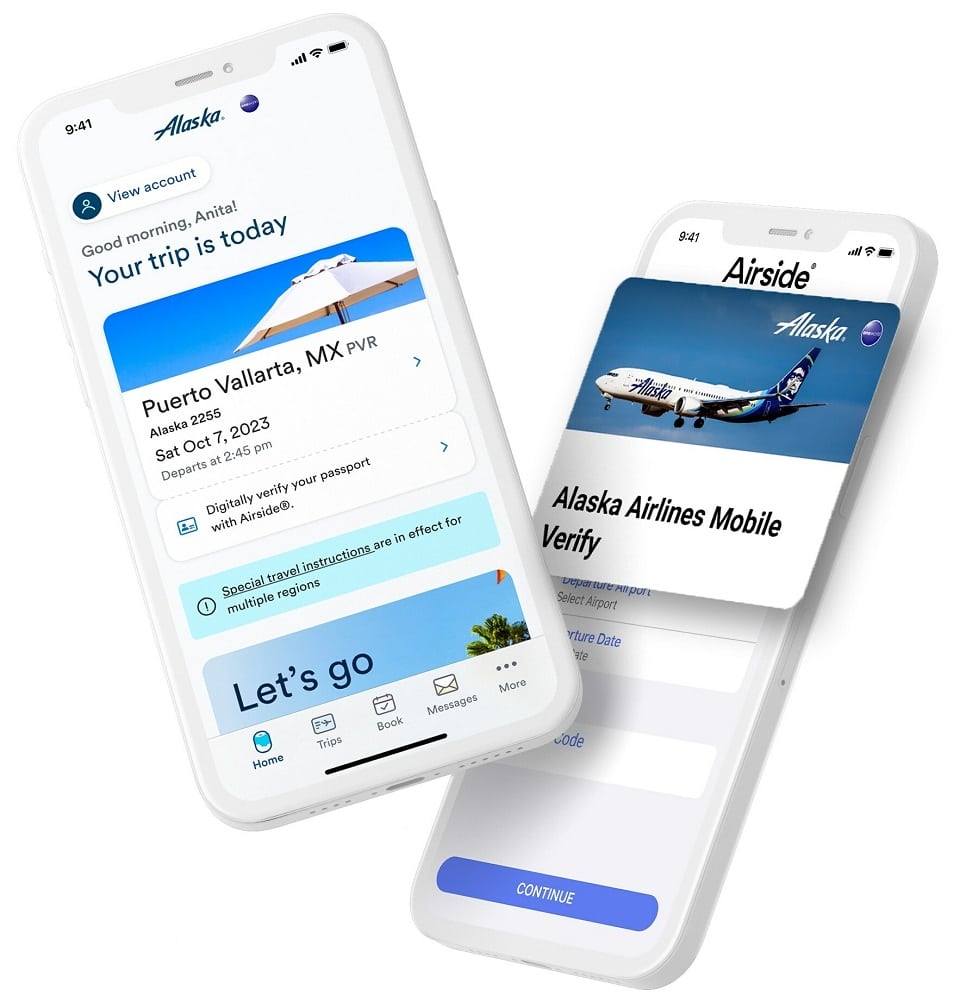
Alaska Airlines is assisting you in skipping even more airport lineups. They lets you securely verify your passport before you arrive at the airport with a handful of fast images. That means more time to snag some last-minute sunscreen or start your vacation early with a pre-flight beverage.
Any traveller departing or entering the United States must have their airline verify their passport. Today marks the launch of new Mobile Verify programme, which is available to passengers flying abroad on Alaska flights with U.S. or Canadian passports. This means that you may do this step safely and securely from the comfort of your home rather than having to stand in a queue to have a customer service representative check your documents in the lobby or at the gate.
United adds Live Activities features for iPhone(Opens in a new browser tab)
The safety and security of guests and their information is the highest priority. Alaska selected a solution that allows guests to completely control the access to their information – everything lives on your smartphone, and you decide when and where it’s shared. This secure process ensures a high level of privacy while also saving you time.
How does Mobile Verify work?
One time set-up
First, you will need to create your digital identity – you only have to do this once during the lifespan of your passport.
- download the Airside Digital Identity mobile app on an iOS or Android device.
- take a selfie of your face.
- scan your passport photo page.
- hold your phone against the inside of the passport’s back cover to read the embedded chip.
The app verifies your information by scanning the photo page of the passport and reading the embedded NFC chip. Then, the digital ID is securely stored on your mobile device until you choose where and when to share it.
Before each trip
Because you have already created your digital identity, there are just a couple steps before a trip. The Alaska app will prompt you to open your Airside app to:
- select your departure date and location.
- enter your confirmation code.
This gives a one-time consent to use your digital identity, which alerts Alaska that you have had your documents verified for international travel and do not need to see an agent. You’ll repeat this simple process for each international trip.
